

How to Build Agentic AI Systems That Automate Real Workflows
Key Takeaways
- Use agents when work is complex or unpredictable, and use workflows when the path is clear and stable.
- Start with simple setups, using direct LLM APIs first, and add frameworks only when orchestration becomes harder to manage.
- Build strong foundations by choosing the right models, defining clear tools, writing structured instructions, and using orchestration patterns that match your complexity.
- Start with a single agent and add more only when necessary. Multiple agents increase coordination effort, so they make sense only when one agent consistently can’t meet the requirements.
- Scaling agentic AI requires focus on reasoning, reliability, data quality, security, and ROI, along with a gradual, well-guarded rollout.
Introduction
Large language models have become strong enough to handle complex, multi-step tasks with better reasoning, multimodality, and tool use. This progress has led to the rise of agentic AI systems. These systems do more than assist with tasks. They can understand a user’s goal, plan the required steps, pick the right tools, take actions, and decide when the work is complete.
Agents differ from simple chatbots, single-turn LLMs, or classifiers. Those applications may use LLMs, but they do not control or execute workflows. An agent, by contrast, can run a workflow on your behalf.
A workflow is simply a series of steps needed to reach a goal, such as resolving a customer issue, booking a reservation, committing code, or generating a report. Agentic AI systems can complete such workflows independently and hand control back to the user if something goes wrong.
This blog outlines the essentials of agentic systems, including when to use workflows or agents, the frameworks that support them, how to structure the architecture, when to use a single or multiple agents, and the challenges of scaling.
Workflows vs. Agents: When Should You Use an Agent?
Workflows and agents serve different purposes within agentic AI systems. Workflows follow predefined code paths, providing structure and consistency, while agents enable the LLM to make real-time decisions and guide the process toward the goal.
Workflows give you reliability and control. Agents give you flexibility when the environment cannot be fully scripted.
How to Choose Between an Agent and a Workflow
Before deciding which approach suits your system, consider how structured the task is and how much flexibility or control the process requires.
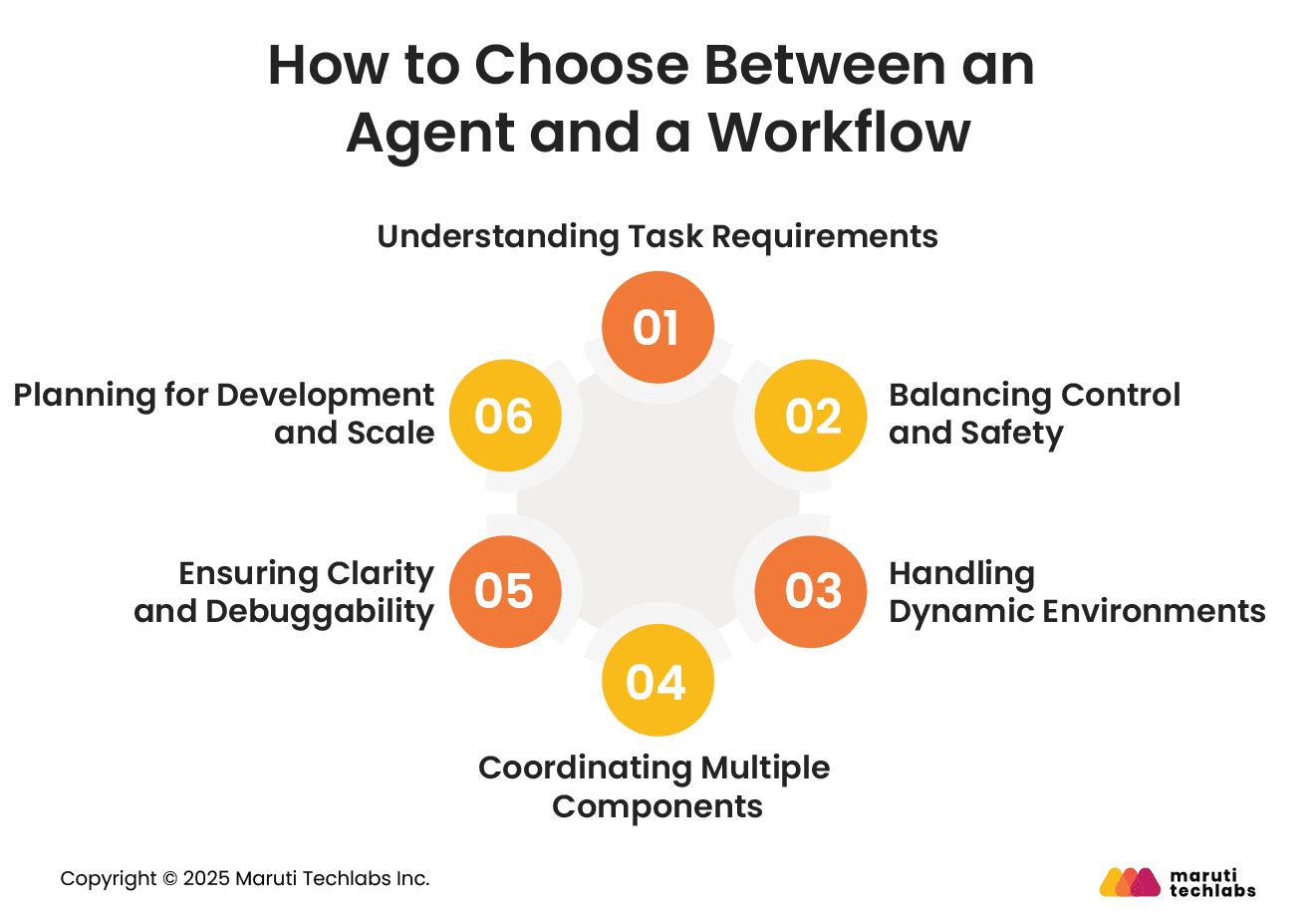
1. Understanding Task Requirements
Workflows and agents play different roles in agentic AI systems. Workflows follow a planned path and tell the LLM what to do at each step. Agents decide their next steps and pick the tools they need. Workflows give you stability and control, while agents provide flexibility when things cannot be scripted in advance.
2. Balancing Control and Safety
Workflows are better when you need checkpoints, validation steps, or human review. They offer a clear path and predictable outcomes. Agents may be less predictable, making them better for lower-risk scenarios.
3. Handling Dynamic Environments
If your process changes often or cannot be fully mapped out, an agent can adapt in real time. When the flow is known and can be laid out in advance, workflows offer a stable and dependable structure.
4. Coordinating Multiple Components
Large or distributed tasks often require multiple specialized components. Workflows help manage these interactions, whether sequential or parallel, and ensure clean handoffs between them.
5. Ensuring Clarity and Debuggability
Workflows provide logs, metrics, and visual traces that simplify debugging and compliance. Agent-driven behavior is harder to interpret, especially in environments that require high transparency.
6. Planning for Development and Scale
Agents are quick to prototype and ideal for early testing. Workflows require more upfront design but offer long-term reliability, maintainability, and scalability as your system grows.
A practical path is to start with an agent for early experimentation and transition to a workflow as you move toward more controlled, production-ready systems.
Which Frameworks to Use for Agentic AI Systems
Several tools make it easier to build agentic AI systems.
- LangGraph, Amazon Bedrock’s agent framework, Rivet, and Vellum help with tasks like calling LLMs, connecting tools, and creating workflows.
- Visual tools such as Rivet and Vellum also make it simple to design flows without writing too much code.
These frameworks add structure but also introduce additional layers that can obscure how the system actually works. They tend to be most helpful when you need additional support, such as:
- Clear visual workflow design
- Structured orchestration for growing systems
- Built-in features for chaining, testing, or tool management
For simpler setups, starting with direct LLM API calls often works better. Many early agent patterns can be built in just a few lines, and this helps you clearly understand how data, prompts, and responses move through the system.
Once the basics are clear, frameworks become much easier to adopt and can speed up development for larger or more complex agentic AI builds.
How to Build an Agentic AI System Architecture
An effective agentic AI system is built on four key parts: the model, the tools, the instructions, and the orchestration. Each part shapes how the system understands tasks and carries them out in a stable, predictable way.
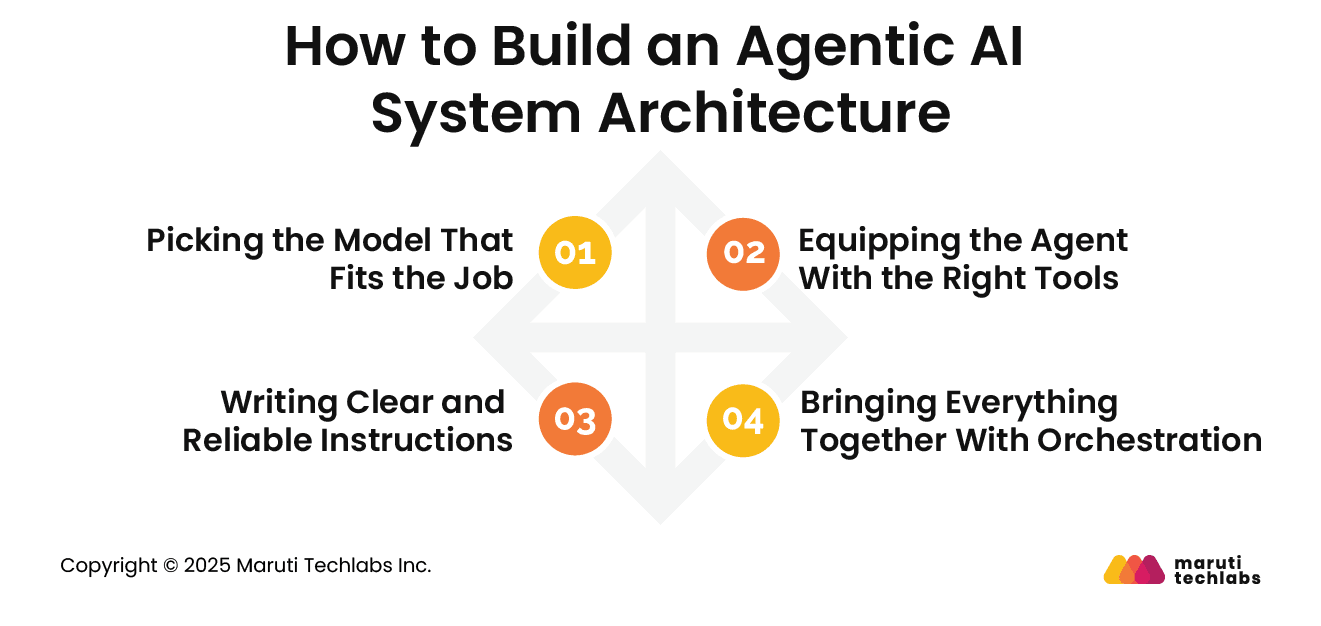
1. Picking the Model That Fits the Job
Models vary widely in speed, reasoning ability, and cost. Smaller models work well for quick tasks like retrieval or intent checks, while larger models are better for decisions that need deeper thinking.
A helpful approach is to start your prototype with a strong model for every step so you know what “good” looks like. Next, try swapping in smaller models that still perform well. This keeps the system efficient without lowering accuracy.
Simple process to follow:
- Test with a strong model to set a baseline
- Hit your accuracy target first
- Replace large models with smaller ones where possible
2. Equipping the Agent With the Right Tools
Tools let the agent read data, take actions, or coordinate with other systems. They can fetch information, update records, send messages, or even interact with legacy apps through their interfaces. Each tool should be clearly defined and reusable so that multiple agents can rely on it without confusion.
Most setups need three types of tools:
- Data tools to read context from CRMs, documents, or searches
- Action tools to update systems, send notifications, or hand off tasks
- Support tools where one agent helps another perform a specific job
3. Writing Clear and Reliable Instructions
Instructions guide how an agent should reason and what action it should take next. When the steps are clear, the agent is less likely to make mistakes, and the workflow runs more smoothly. It’s usually best to begin with the SOPs or support documents your team already relies on, so the agent learns and follows the same rules. Breaking large tasks into smaller steps and clearly outlining what should happen in tricky situations also helps keep the agent on track.
4. Bringing Everything Together With Orchestration
Once the pieces are in place, orchestration decides how the system actually runs. Some teams use one agent that loops through the entire workflow, while others split tasks across multiple agents that coordinate with each other.
Single-agent setups are simple and good for early stages. Multi-agent setups work better when tasks are larger, more varied, or need different kinds of expertise.
Starting simple and expanding gradually usually creates the most stable and scalable agentic AI systems.
When Should You Choose a Single-Agent System or Multiple Agents?
A single agent is usually enough for most workflows. You can increase its capabilities by adding tools one at a time, which keeps the system easier to evaluate, maintain, and scale. Most setups use a basic loop in which the agent continues working until it meets an exit condition, such as a tool call, a specific output, an error, or a limit on the number of turns.
In most cases, it is better to strengthen one agent before introducing more. Multiple agents can make responsibilities feel more organized, but they also add extra coordination and operational overhead. Many teams find that one well-equipped agent meets their needs without additional complexity.
However, a multi-agent setup becomes useful when the workflow is too complicated for a single agent. If the agent struggles with long instructions or repeatedly selects incorrect tools, the system may need to be divided into more focused agents.
You will usually consider multiple agents when:
- The logic becomes too complex, such as prompts with many conditional branches that are difficult to maintain.
- Tools become overloaded, especially when several tools have similar purposes, and clarity does not improve even after better naming and descriptions are implemented.
5 Major Challenges of Scaling Agentic AI Systems
As companies begin to scale agentic AI, several practical challenges consistently arise. These challenges are less about the technology itself and more about ensuring the system remains reliable, secure, and valuable as it evolves.
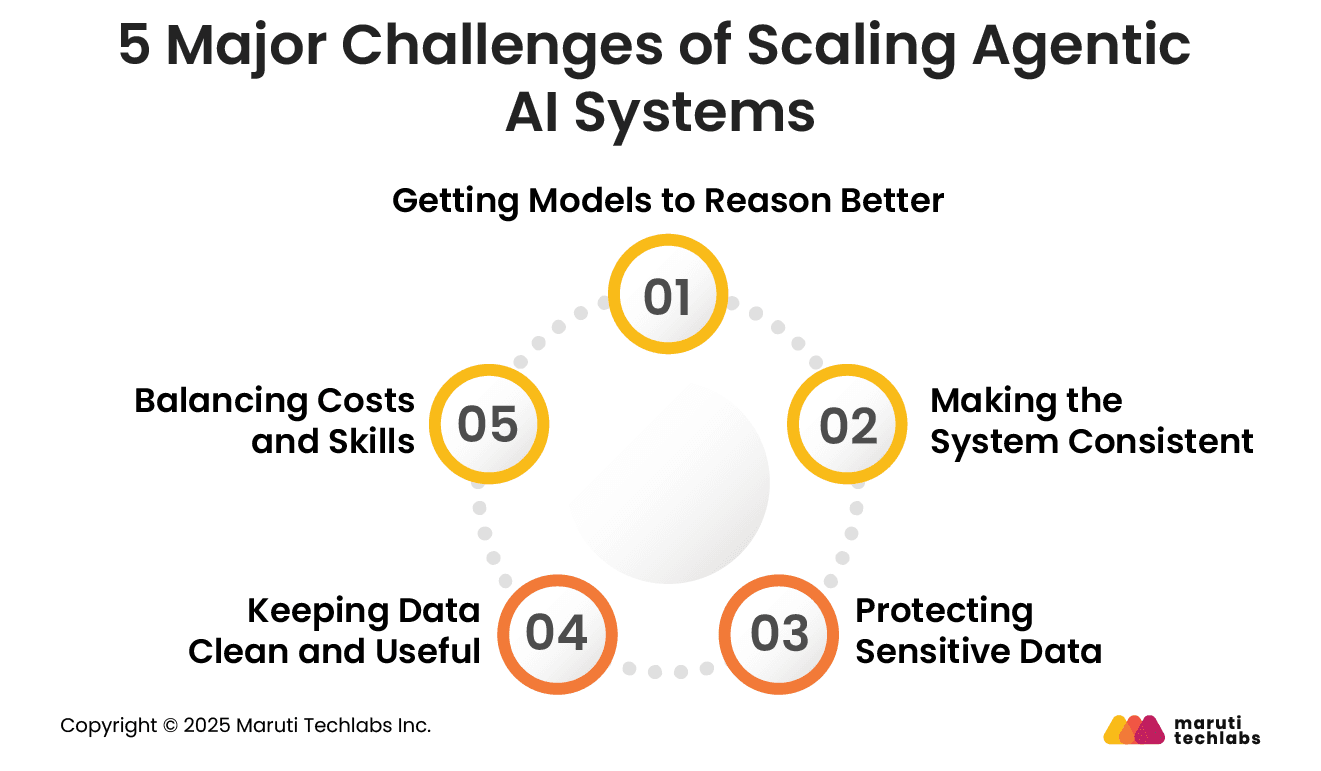
1. Getting Models to Reason Better
Agents make many small decisions on their own, so the model needs to understand real situations well. This only happens when it is trained and tested on data that reflects how things work in the real world. It usually takes many rounds of trial and error before the model becomes dependable.
2. Making the System Consistent
Agents do not follow fixed code. They figure out the steps as they go, which can lead to varying results. To keep the system steady, teams need regular testing, simple guardrails, and clear feedback loops that guide the agent toward the right behaviour.
3. Protecting Sensitive Data
Since agents connect to different systems, they often touch private information. Companies need to separate environments, limit what the agent can see, and remove personal details before sending data to the model. The level of safety needed depends on whether the agent is for internal teams, customers, or general users.
4. Keeping Data Clean and Useful
Agents rely on the data they receive. If that data is old, incomplete, or incorrect, the output will suffer. Real-time pipelines help make sure the agent always works with fresh and relevant information.
5. Balancing Costs and Skills
Scaling agentic AI needs both the right tools and the right people. It may take investment in infrastructure and training, and returns come gradually. But once the setup is stable, these systems can automate more work and support better decisions across the business.
Conclusion
Agents are changing how organisations automate work. They can understand context, make decisions, and complete multi-step tasks with a level of autonomy that traditional systems cannot match. This makes agentic AI ideal for workflows that involve complex decisions, unstructured information, or processes that break easily when rules get too rigid.
Scaling agentic AI is not something that happens overnight. It works best when you validate each step with real users, learn from the results, and expand the agent’s abilities over time. When done right, agents can automate entire workflows, reduce manual effort, and help teams work faster and more confidently.
If you're exploring agentic AI for your organisation, you can learn more on our GenAI services page or explore our AI development services to understand how we help businesses turn AI strategies into practical solutions. For organisations ready to build autonomous, goal-driven systems, our AI agent development services can help design, develop, and deploy agents tailored to specific workflows and business needs. Connect with us to discuss your requirements.
FAQs
1. What technologies power agentic AI systems?
These systems utilize LLMs, tool integrations such as APIs, vector databases for memory, and orchestration layers that manage steps and decisions. Some teams also use frameworks such as LangGraph, Bedrock Agents, Rivet, or Vellum to simplify building and testing.
2. How to build agentic AI systems from scratch?
Start by selecting the appropriate models for each task, defining the tools the agent can utilize, and writing clear instructions. Then add orchestration to manage loops and decision-making. Begin with a simple single agent, test often, and expand only when needed.
3. What are the five levels of agentic AI systems?
The levels usually move from basic tool use to full autonomy:
- Single-step AI tasks
- Multi-step workflows
- Tool-using agents
- Multi-agent systems
- Fully autonomous, goal-driven agents
Each level adds more independence, reasoning, and coordination.
5. What are the latest trends in agentic AI systems in 2025?
Key trends include faster multi-agent orchestration, improved reasoning models, safer guardrails, real-time memory layers, and industry apps like automated operations, customer support, and research assistants. Lightweight agent frameworks and domain-specific agents are also becoming more common.
6. What is the difference between LLM and agentic AI?
An LLM generates responses based on prompts, while agentic AI goes further by planning actions, using tools, and completing multi-step tasks. LLMs answer questions; agents use LLMs as a core component to actually get work done.