

Moving GenAI From Demo to Production, the Right Way
Key Takeaways
- GenAI demos can look impressive but often fail in real use without careful planning.
- Clear goals, clean data, and context tracking are essential for reliable AI.
- Multi-step workflows and AI unpredictability can cause errors to grow quickly.
- Compliance, privacy, and risk management must be considered from the start.
- The right architecture, prompt design, and model training make AI systems work well in production.
Introduction
Generative AI often looks ready much earlier than it actually is. A few successful prompts can make a demo feel convincing. Teams see quick answers, clean outputs, and early wins. It creates the impression that taking it live will be easy.
But reality is different. Many GenAI pilots never become real products. MIT estimates that up to 95 percent fail to create real business value. IDC also reports that nearly 88 percent never reach production. Most of them struggle when they meet real users, real data, and day-to-day operational demands.
Problems start once GenAI is used in customer conversations, workflows, or decision-making. Responses slow down. Answers change without warning. Confidence in the system drops. This gap between promise and reality is common across industries.
In this blog, we examine why GenAI demos struggle in production and the engineering challenges teams must overcome to make them reliable at scale.
Reasons Why GenAI Demos Rarely Translate to Production Systems
In early demos, GenAI often feels ready to go. It answers questions well and seems stable during testing. But once teams try to use them in real products, things start to break. These are the most common reasons why.
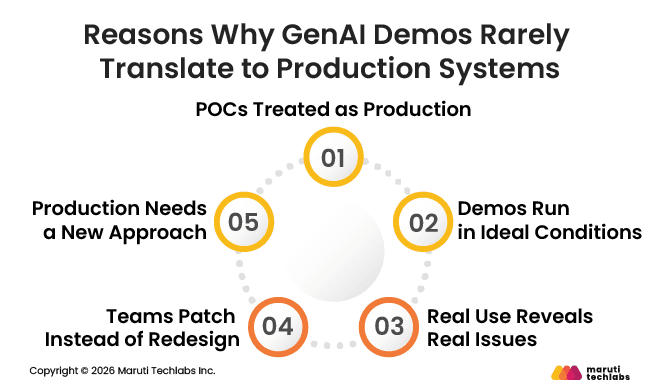
1. POCs Treated as Production
Most GenAI work begins as a quick proof-of-concept. That is expected in early experimentation. The problem starts when this early version quietly turns into the production system.
2. Demos Run in Ideal Conditions
During pilots, everything seems easy. Very few people use the system, the data is mostly clean, and no one worries much about speed or cost. In that situation, it is easy to think everything is working just fine.
3. Real Use Reveals Real Issues
Once real users come in, complexity sets in. Usage increases, inputs stop being clean, response times stretch, and costs climb. Eventually, the answers no longer feel as reliable as they did in the demo.
4. Teams Patch Instead of Redesign
At this point, many teams try to patch things quickly. They tweak prompts or add small safeguards. It might help for a little while, but the system still doesn’t feel solid.
5. Production Needs a New Approach
Teams that succeed do not build on top of demos. They treat pilots as learning tools. Before going live, they redesign the system for real usage, with clear limits on speed, cost, and failure. That reset makes all the difference.
Common Pitfalls Engineering Teams Underestimate
Generative AI can bring great value, but many projects run into problems that have little to do with the models themselves. These issues usually come from planning, data, and execution. Here are the key pitfalls teams often overlook.
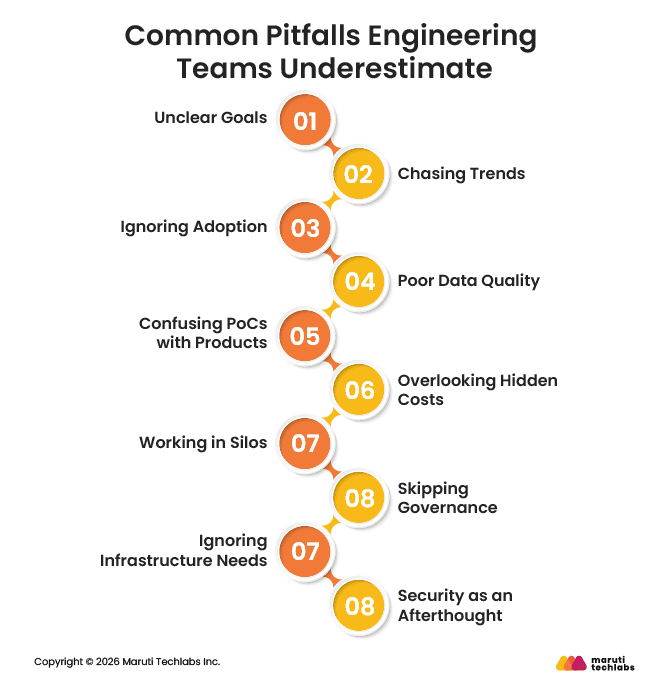
1. Unclear Goals
Saying the aim is to transform the business with AI does not give the team a clear direction. Without defined problems or measurable success, teams end up building features that do not solve real business needs.
2. Chasing Trends
Teams often try to implement every new idea or demo they see. While exciting, these projects rarely align with actual business priorities and can waste time and resources.
3. Ignoring Adoption
Even a system that works perfectly can fail if users do not know how to use it or if it does not fit into existing workflows. Adoption should be planned from the start.
4. Poor Data Quality
AI depends on reliable and clean data. If inputs are messy or inconsistent, outputs become unreliable, making it hard for teams to trust the system.
5. Confusing PoCs with Products
Proof-of-concept or prototype systems are meant to test ideas, not to run in production. Moving these directly into live environments without redesign often leads to performance and reliability issues.
6. Overlooking Hidden Costs
Running AI systems involves ongoing cloud resources, monitoring, and maintenance. Teams often plan only for development and underestimate these recurring costs.
7. Working in Silos
AI projects involve multiple teams, including product, engineering, and business. Lack of communication leads to missed requirements and an underperforming system.
8. Skipping Governance
Without clear rules for how the AI system should operate, outputs can create compliance, risk, or ethical problems. Governance should be included from the start.
9. Ignoring Infrastructure Needs
AI systems need enough computing power and storage to scale. Without it, performance slows and systems can fail.
10. Security as an Afterthought
Sensitive data and access controls must be considered early. Leaving security to the end can cause costly redesigns and delays.
Data and Context Management Challenges in Production GenAI
Handling data and context is one of the biggest challenges when moving GenAI from demos to real systems. What works in a controlled environment often breaks under real-world conditions.
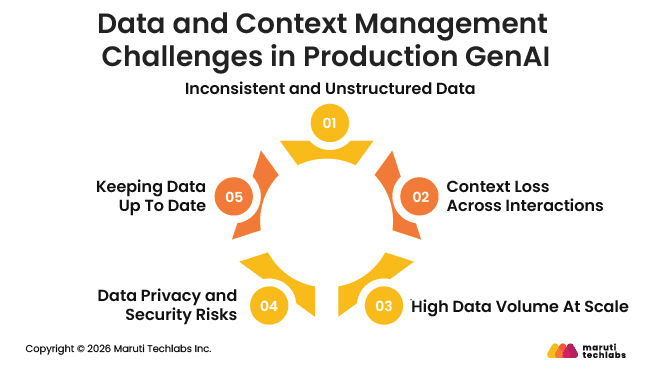
1. Inconsistent and Unstructured Data
In production, data is rarely perfect. Users make mistakes, systems store incomplete information, and inputs are all over the place. AI struggles with this, and answers can become unreliable.
2. Context Loss Across Interactions
Models need to remember the right context. They should keep track of previous messages, user preferences, or related information. Without it, answers can feel random or wrong.
3. High Data Volume At Scale
Demos use small datasets, but real systems handle much more data all the time. Making sure pipelines can manage this without slowing down is often underestimated.
4. Data Privacy and Security Risks
User data can be sensitive. Teams must control who sees what and follow rules, or they risk serious problems.
5. Keeping Data Up To Date
Data changes constantly. Without regular updates and proper version tracking, the AI can make mistakes or give old information. Keeping data fresh is key to reliable results.
Reliability Challenges in Production GenAI
Moving GenAI from demos to real systems is more challenging than it looks. Even small mistakes made early can grow into larger problems over time, as AI agents do not behave the same way on every run.
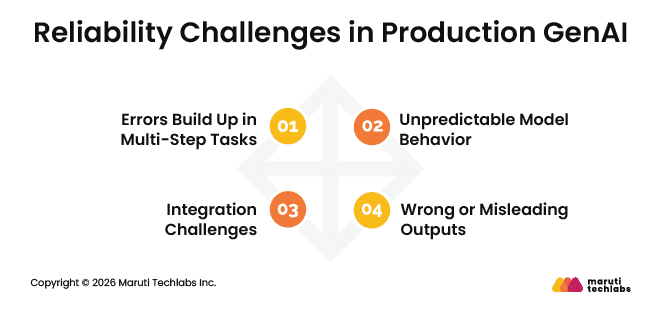
1. Errors Build Up in Multi-Step Tasks
When an AI agent makes a wrong choice at the start of a task, everything that comes after can go wrong too. Even if each step works most of the time, combining many steps makes errors almost inevitable. This is why workflows with many stages can be fragile.
2. Unpredictable Model Behavior
AI agents do not always act the same way, even with the same input. They can make the same mistake more than once, get stuck trying the same thing, or repeat work that is already done. Normal software testing does not catch these issues, so teams need to carefully monitor results rather than assume they will always be the same.
3. Wrong or Misleading Outputs
Sometimes AI produces answers that sound correct but are actually wrong. In a real system, this can confuse people, lead to bad decisions, and hurt trust, especially when the AI is working on its own without someone reviewing its work.
4. Integration Challenges
AI systems must connect with databases, APIs, and business processes. Losing context, misapplying rules, or minor integration errors can break workflows and cause failures. Ensuring smooth integration is one of the hardest parts of deploying GenAI in production.
Managing Compliance and Data Risks in Production-Grade GenAI
Using GenAI in real systems comes with responsibility. When AI starts handling sensitive data or making decisions, teams need to make sure rules and regulations are followed. Ignoring this can lead to serious problems for the business and users.
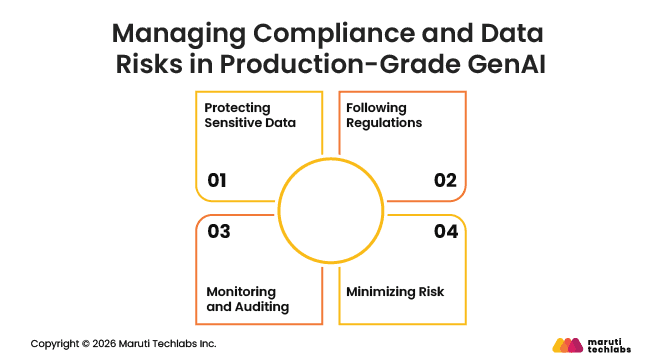
1. Protecting Sensitive Data
Data in production is often personal or confidential. It is important to control who can access it and how it is used. Without proper safeguards, private information can be exposed, leading to trust and legal issues.
2. Following Regulations
Companies have to follow industry and government rules, such as data privacy and financial standards. Doing this from the start helps prevent fines, problems, and loss of trust.
3. Monitoring and Auditing
AI systems can make mistakes or drift over time. Teams need ways to track outputs, record decisions, and check that the AI is behaving as expected. Auditing and logging help spot problems early and provide accountability.
3. Minimizing Risk
Production AI should be designed with risk in mind. This means limiting what the system can do, validating critical outputs, and having a plan for failures. Small precautions can prevent costly mistakes and maintain trust in the system.
Planning for compliance and data risks from the start keeps your GenAI system safe and trustworthy.
Architectural Patterns That Support Production-Ready GenAI
Building GenAI systems that work reliably in production requires the right architecture and design. There are several approaches that make models more accurate, scalable, and aligned with your business data.
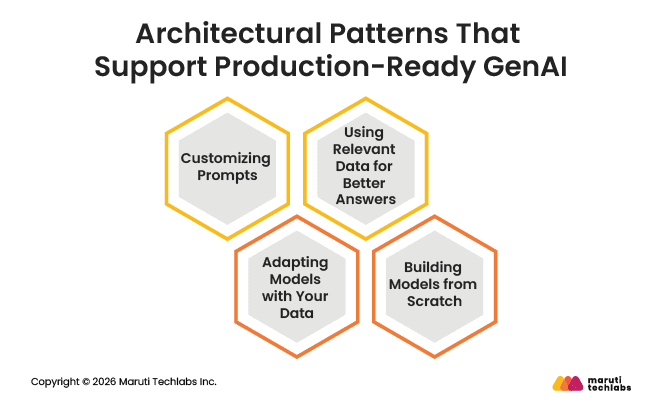
1. Customizing Prompts
Prompt engineering focuses on shaping the instructions given to an AI model to improve response quality, without changing the model itself. Teams often experiment with different prompts, templates, and evaluation methods to consistently guide the model toward better answers.
2. Using Relevant Data for Better Answers
Retrieval-augmented generation (RAG) improves response quality by retrieving relevant documents or data at query time and supplying that context to the model. A typical RAG setup includes data preparation, retrieval models, ranking logic, prompt construction, and post-processing to ground responses in enterprise data.
3. Adapting Models with Your Data
Fine-tuning involves continuing the training of an existing AI model on domain-specific data. This helps the model better reflect an organization’s language, terminology, and use cases without the cost of training from scratch.
4. Building Models from Scratch
Pretraining involves creating a new AI model from the ground up so it understands your domain deeply. By training on your own data, you get a model tailored to your organization. Databricks Mosaic AI Pretraining makes this faster and more cost-efficient, enabling the training of large models in days at much lower cost.
Using these approaches together ensures your GenAI system is accurate, reliable, and tailored to your business needs.
Conclusion
Using GenAI in real systems is harder than running a demo. Problems with data or workflows can appear quickly, and small mistakes can grow into bigger ones. Clear goals and careful planning help AI work reliably and deliver real business value.
At Maruti Techlabs, we help companies turn GenAI ideas into systems that actually work. Our AI engineering team brings expertise in building and deploying production-ready AI solutions, from model development and data management to integrating AI into existing workflows. We help teams reduce risk, follow the right governance practices, and build AI systems that can be trusted by both users and stakeholders.
Visit our GenAI services page to learn more, or contact us to get help bringing your GenAI project safely into production.
FAQs
1. How to productionize machine learning models
Productionizing machine learning models means preparing them to work reliably with real users and real data. This includes clean data pipelines, stable infrastructure, monitoring, version control, and clear fallback plans. Models must be tested beyond accuracy to ensure performance, cost control, and consistent behavior in day-to-day use.
2. What are the best practices for productionizing GenAI?
Successful GenAI systems start with clear goals and strong data handling. Teams should design for latency, cost, reliability, and failure from the beginning. Continuous monitoring, human oversight, and regular updates help maintain quality. Treat pilots as learning tools and rebuild systems before exposing them to real users.
3. How to scale GenAI in production?
Scaling GenAI requires planning for traffic growth, rising costs, and changing inputs. Teams should use efficient architectures, limit unnecessary calls, and manage context carefully. Infrastructure must grow with demand while maintaining stable response times. Monitoring usage and performance helps teams scale without losing control or trust.