IaC Security in CI/CD: Best Practices for Safe Cloud Deployments
Catch risks early and keep cloud infrastructure secure by embedding IaC checks in CI/CD pipelines.
Devops
IaC Security in CI/CD: Best Practices for Safe Cloud Deployments
Catch risks early and keep cloud infrastructure secure by embedding IaC checks in CI/CD pipelines.
Table of contents
Table of contents
Key Takeaways
Introduction
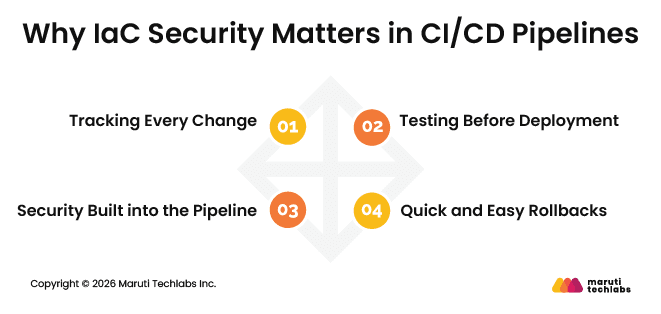
Why IaC Security Matters in CI/CD Pipelines
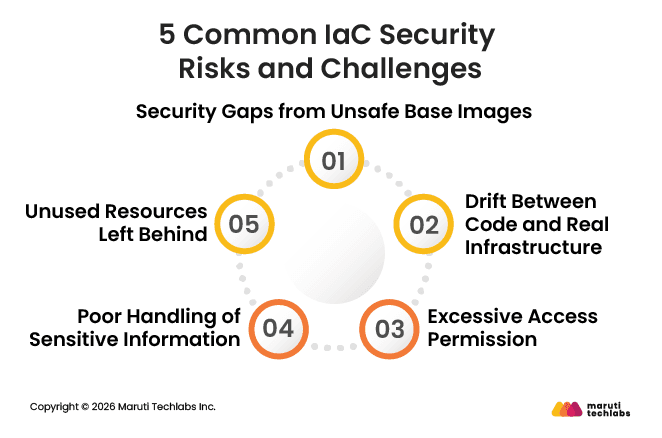
5 Common IaC Security Risks and Challenges
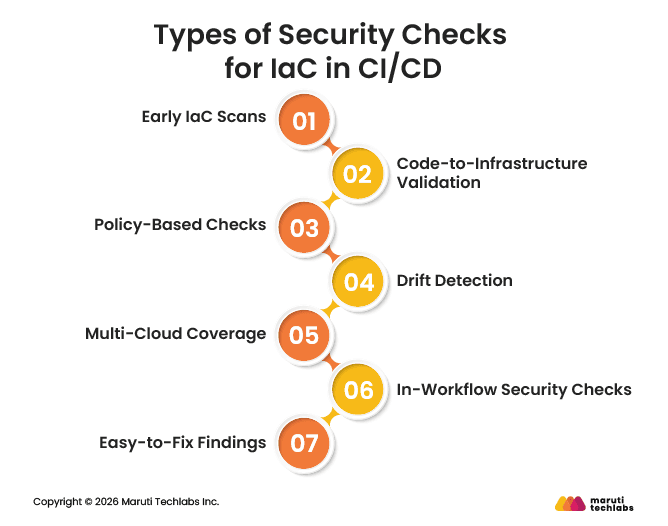
Types of Security Checks for IaC in CI/CD
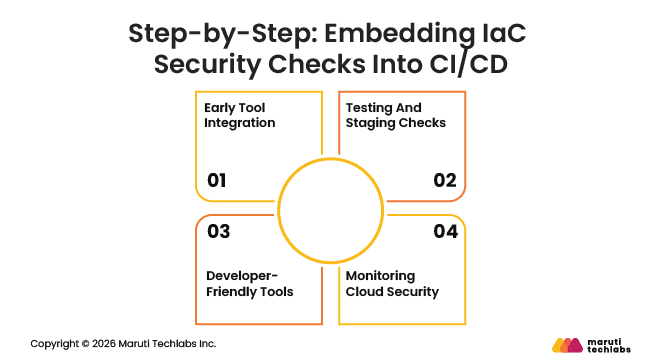
Step-by-Step: Embedding IaC Security Checks Into CI/CD
Best Practices for Making IaC Security Practical
Conclusion
FAQs
Key Takeaways
IaC security works best when embedded directly into CI/CD pipelines.
Automated checks catch misconfigurations, access risks, and exposed secrets early.
Version-controlled infrastructure makes changes traceable and rollbacks simple.
Policy-based enforcement keeps security rules consistent across environments.
Continuous monitoring helps detect drift and runtime risks.
Developer-friendly tools improve adoption without slowing delivery.
Introduction
Modern cloud environments move fast. Teams use code to set up servers, networks, storage, and access within minutes. This method, known as Infrastructure as Code (IaC), helps keep cloud work consistent and efficient.
However, even small mistakes in this code can quickly reach production. That is why IaC security needs to be part of CI/CD pipelines, not something checked after deployment.
IaC security focuses on checking the scripts and templates that define your cloud infrastructure. These could be Terraform files, CloudFormation templates, or similar tools. The goal is simple: make sure your infrastructure is set up safely before it ever reaches production. A small misconfiguration, like overly broad access permissions or exposed secrets, can quietly create serious security risks if left unchecked.
Embedding IaC security checks into CI/CD pipelines helps catch these issues early. Instead of relying on manual reviews or late-stage audits, security checks run automatically every time code changes. This naturally fits into DevOps workflows and reduces the risk of human error.
This blog explains why IaC security belongs in CI/CD pipelines, common risks teams face, the types of security checks to use, and practical steps to embed IaC security into everyday workflows.
Why IaC Security Matters in CI/CD Pipelines
When infrastructure is built using code, small changes can have a big impact. Adding IaC security to CI/CD pipelines helps teams stay in control while working fast.
1. Tracking Every Change
With IaC, infrastructure code is stored alongside application code. Every change is logged, making it easy to see what changed and who made the change. When issues arise later, teams can quickly trace the cause and keep reviews simple.
2. Testing Before Deployment
CI/CD pipelines check the infrastructure code before release. This helps catch small mistakes and missing settings early. Fixing them early is easier than fixing them later.
3. Security Built into the Pipeline
Security checks run with every code change. Access, data, and network rules are part of the code. This helps avoid unsafe setups and keeps the same rules everywhere.
4. Quick and Easy Rollbacks
If a change causes problems in production, teams can roll back to an earlier version of the code. This avoids manual fixes and helps restore systems quickly.
Putting IaC security into CI/CD pipelines helps teams avoid problems later. Changes are checked early. This makes deployments easier to handle as systems grow.
5 Common IaC Security Risks and Challenges
When infrastructure is defined in code, security issues can manifest in different ways. These risks often start small but grow over time if not addressed early in the development process.
1. Security Gaps from Unsafe Base Images
Infrastructure code often relies on base images to create systems. If these images come from untrusted or outdated sources, they can already contain security flaws. Once used in templates, these issues spread across environments and become harder to fix later.
2. Drift Between Code and Real Infrastructure
Over time, infrastructure can change without code updates. This happens when someone makes manual changes or when updates are not tracked properly. As a result, the actual setup no longer aligns with the IaC definition, creating gaps and confusion.
3. Excessive Access Permission
Teams need access to systems to do their work. Problems arise when users are given more permissions than they need. If an account is misused or compromised, excessive access can cause greater damage.
4. Poor Handling of Sensitive Information
Passwords, tokens, and keys are often required for applications to work. Storing these secrets in the wrong place or directly in code makes them easier to expose. Once leaked, they are difficult to contain.
5. Unused Resources Left Behind
When resources are not properly tagged or tracked, they can be forgotten. These unused resources still cost money, increase security risk, and make the environment harder to understand and manage.
If these risks are not addressed early, they can slowly accumulate, making cloud environments harder to secure and manage.
Types of Security Checks for IaC in CI/CD
IaC security checks are meant to support teams, not slow them down. When done right, they fit into daily workflows and help catch issues before they turn into bigger problems. Below are the main types of checks teams typically rely on to secure IaC in CI/CD pipelines.
1. Early IaC Scans
This is the first and most basic check. Infrastructure files are scanned before they are applied. These scans look for common problems such as open storage, broad network access, or risky default settings. Since this happens early, teams can fix issues before anything is created in the cloud.
2. Code-to-Infrastructure Validation
Some checks focus on code before deployment, while others focus on the live environment after deployment. Both are important. Code checks catch mistakes early, and runtime checks confirm that the infrastructure is behaving as expected once it is live.
3. Policy-Based Checks
Security rules can be written directly into the pipeline. These rules define what is allowed and what is not, such as requiring encryption or limiting access. If the code breaks a rule, the pipeline stops. This keeps decisions consistent and removes guesswork.
4. Drift Detection
Not all changes happen through IaC. Sometimes, quick fixes are made directly in the cloud. Over time, this creates gaps between what the code says and what is actually running. Drift checks help spot these differences so teams can fix them early.
4. Multi-Cloud Coverage
Many teams use multiple cloud platforms. Security checks should work the same way across AWS, Azure, GCP, and Kubernetes. This keeps things simple and avoids having to manage separate tools for each platform.
5. In-Workflow Security Checks
Security checks should run inside Git and CI/CD tools. When scans run on commits or pull requests, issues are caught before changes are merged. This keeps risky code out of production without adding extra steps.
6. Easy-to-Fix Findings
Finding a problem is only useful if teams know how to fix it. Good checks clearly point out what is wrong and what needs to change. This saves time and reduces back-and-forth.
Overall, these security checks help teams catch problems early and keep infrastructure changes under control. When they run as part of CI/CD, security becomes part of everyday work instead of a last-minute task.
Step-by-Step: Embedding IaC Security Checks Into CI/CD
Adding security checks to CI/CD pipelines can be simple. The goal is to catch problems early and fix them quickly without delay. Here’s how teams can do it step by step.
1. Early Tool Integration
Start security checks where developers write code. IDEs like VS Code or IntelliJ help spot issues while coding. Source control platforms like GitHub or GitLab can scan code in pull requests or pre-commit hooks. This helps catch unsafe settings, open storage, or hardcoded secrets before code is merged.
2. Testing And Staging Checks
Some issues surface only after the infrastructure is live. Runtime checks observe system behavior in testing or staging to catch problems before production. They catch misconfigurations, security flaws, and other issues before deployment.
3. Developer-Friendly Tools
Security tools only add value when developers actually want to use them. Keep them fast, simple, and clear, so they fit naturally into everyday work. Good tools give direct guidance on what to fix and how. Inline feedback and pull request suggestions make it easy to fix issues without slowing work down.
4. Monitoring Cloud Security
Even after deployment, cloud environments can change. CSPM tools monitor running infrastructure. They check for open storage, wide permissions, exposed networks, missing encryption, or changes outside the code. Many tools also report issues back to developers so they can fix code problems.
IaC security works best when checks begin early and remain in place throughout deployment. When security fits naturally into workflows, issues are caught sooner, fixes are easier, and cloud environments stay safer.
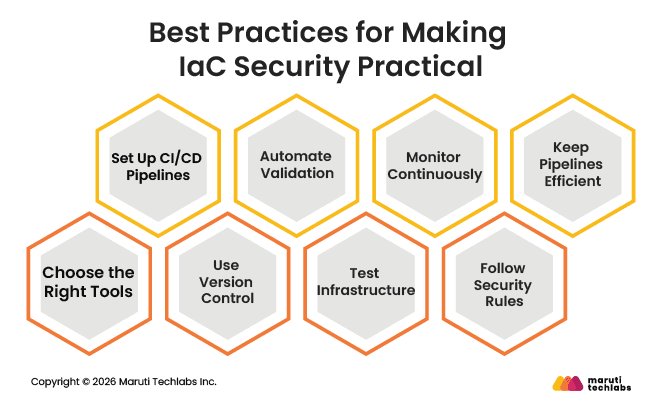
Best Practices for Making IaC Security Practical
The best way to keep IaC secure is to embed security into everyday work. This helps teams catch problems early, fix them quickly, and avoid mistakes. Here are some practical steps to follow.
1. Choose the Right Tools
Use tools that fit your cloud setup and team workflow. Scanners for misconfigurations, secret-detection tools, and policy-as-code frameworks help identify problems early. The right tools make secure work easier and faster.
2. Set Up CI/CD Pipelines
Include security checks in your CI/CD pipelines from the start. Run scans, validations, and pre-merge checks automatically. This way, issues are caught before code reaches production without slowing down development.
3. Use Version Control
Keep all IaC files in a version-controlled repository. Use pull requests and code reviews to spot mistakes early. Branching strategies help manage changes safely across environments like dev, staging, and production.
4. Automate Validation
Automatically check templates for misconfigurations or policy violations. Tools like tfsec or Checkov can scan files while code is being written and as part of CI/CD pipelines. Automation reduces human error and ensures consistent security.
5. Test Infrastructure
Test deployments in safe environments to make sure everything works as intended. Pre-deployment checks and runtime monitoring help catch issues such as misconfigured resources, security gaps, or drift from IaC definitions.
6. Monitor Continuously
Cloud environments can change after deployment. Keep an eye on running resources and check for open storage, wide access permissions, exposed networks, missing encryption, or changes made outside code. Continuous monitoring helps teams fix issues before they become serious.
7. Follow Security Rules
Use policy-as-code to enforce rules like least-privilege access, encryption, and proper tagging. Reuse secure modules whenever possible and keep dependencies up to date. Encrypt data in transit and at rest by default.
8. Keep Pipelines Efficient
Pipelines should be fast and easy to use. Include only essential checks, flag real risks, and give clear guidance for fixing issues. Security should fit naturally into the developer workflow without getting in the way.
Making IaC security practical means building it into daily workflows, not treating it as a separate task. When teams use the right tools, automate checks, monitor continuously, and follow simple security practices, cloud infrastructure becomes safer and easier to manage.
Conclusion
Using IaC in CI/CD pipelines makes managing cloud infrastructure much simpler. Teams spend less time on manual work, make fewer mistakes, and keep all environments, such as development, staging, and production, consistent. Security becomes part of daily work, not an afterthought.
At Maruti Techlabs, we help teams implement these practices. Our DevOps services help organizations implement security checks, automate workflows, and keep cloud systems safe and reliable.
The best approach is to start small, include security in everyday tasks, and grow gradually. With the right tools and guidance, teams can build infrastructure that is stable, secure, and ready for faster releases.
Check out our DevOps servicesor contact us to see how we can help make IaC security simple and practical.
FAQs
1. What is IaC Security?
IaC security is about checking your infrastructure-as-code scripts for misconfigurations, vulnerabilities, and unsafe settings to keep cloud environments safe and compliant from the start.
2. What are the Best Tools for IaC Security?
Popular tools include tfsec, Checkov, cfn-lint, and Snyk. They automatically scan IaC templates for misconfigurations, insecure settings, and policy violations.
3. What is the Best IaC Security Solution?
The best solution integrates scanning, policy-as-code, and monitoring into your CI/CD workflow, catching issues early while fitting naturally into developer workflows.
4. What is the IaC Security Scanner Used For?
IaC security scanners automatically check code for risks, misconfigurations, and compliance violations before deployment, helping teams prevent security issues and enforce best practices.
Lalit Bhatt works across cloud infrastructure, DevOps, and project delivery, bringing 18+ years of experience across cloud migration, AWS architecture, infrastructure improvements, and team mentoring, depending on what clients need.
Stuck with a Tech Hurdle?
We fix, build, and optimize. The first consultation is on us!