Which AWS Compute Services Work Best for High-Traffic eCommerce Platforms?
Manage AWS cloud costs and scale high-traffic eCommerce sites efficiently with the right compute options.
Cloud
Which AWS Compute Services Work Best for High-Traffic eCommerce Platforms?
Manage AWS cloud costs and scale high-traffic eCommerce sites efficiently with the right compute options.
Table of contents
Table of contents
Key Takeaways
Introduction
Why AWS Works Well for Retail and eCommerce Platforms
Choosing the Right AWS Compute Option
Optimizing Compute Costs for High-Traffic Scenarios
Monitoring and Managing Your Cloud Environment
5 Factors to Consider Before Choosing AWS for Your eCommerce Platform
Conclusion
FAQs
Key Takeaways
Choosing the right AWS compute and database options helps online stores handle busy times smoothly.
Tools like CloudWatch and CloudTrail make it easy to spot problems and keep the site running well.
Planning for growth ensures your eCommerce platform can handle sales events or marketing campaigns without slowing down.
Protecting customer data with AWS security features helps keep information safe and reduces risk.
Partnering with Maruti Techlabs helps set up, optimize, and manage AWS so your online store runs reliably and efficiently.
Introduction
Retail and e-commerce platforms deal with changing demand every day. A normal weekday might run smoothly, but a flash sale or festive offer can send traffic soaring within minutes. When that happens, every second of delay affects conversions, revenue, and customer trust.
The challenge is not just handling peak traffic. It is doing so without paying for peak capacity all year. Scale too slowly, and pages lag or fail. Scale too much and cloud costs rise even when demand drops. The right infrastructure must respond as fast as customers do.
AWS makes this balance possible. Its compute services let retailers scale up when demand spikes and scale down when traffic returns to normal. With the proper setup, performance stays strong, and costs remain under control.
This blog walks through how AWS compute services help retailers handle traffic spikes, reduce costs, and run reliable eCommerce platforms.
Why AWS Works Well for Retail and eCommerce Platforms
Retail traffic can change in an instant. A promotion goes live, a campaign gains traction, or a product trends on social media. Your infrastructure needs to react immediately, not hours later.
AWS is built for this kind of unpredictability. It allows compute resources to grow automatically as traffic increases and shrink when demand slows. Instead of planning for worst-case traffic, retailers can plan for flexibility and pay only for what they use.
Another reason retailers choose AWS is speed. With AWS, teams can add new features, fix problems, or improve speed without long delays. This helps businesses keep up when customer needs change or when competition increases. Shoppers also come from many sources, such as websites, mobile apps, and social media.
AWS supports all these channels and helps keep the experience consistent across them. It also protects payments and customer information, which is essential for any online store. Behind the scenes, teams roll out minor updates seamlessly, keeping the system running smoothly without disrupting shoppers.
AWS also supports retail operations beyond the storefront, such as order handling, delivery flow, and returns. Cloud monitoring tools help teams see where traffic is high, where performance drops, and where cloud resources are being wasted.
Choosing the Right AWS Compute Option
Online shopping continues to grow, and so does traffic on retail and e-commerce websites. Customers often shop on their phones, and traffic can spike during sales, festivals, or marketing campaigns. These spikes are not always predictable.
If cloud compute resources are not matched to this changing demand, costs can rise quickly. Too little capacity leads to slow pages or downtime. Too much capacity means paying for resources that sit unused. Both situations hurt the business. This is why choosing the right compute option is the foundation of cloud cost optimization.
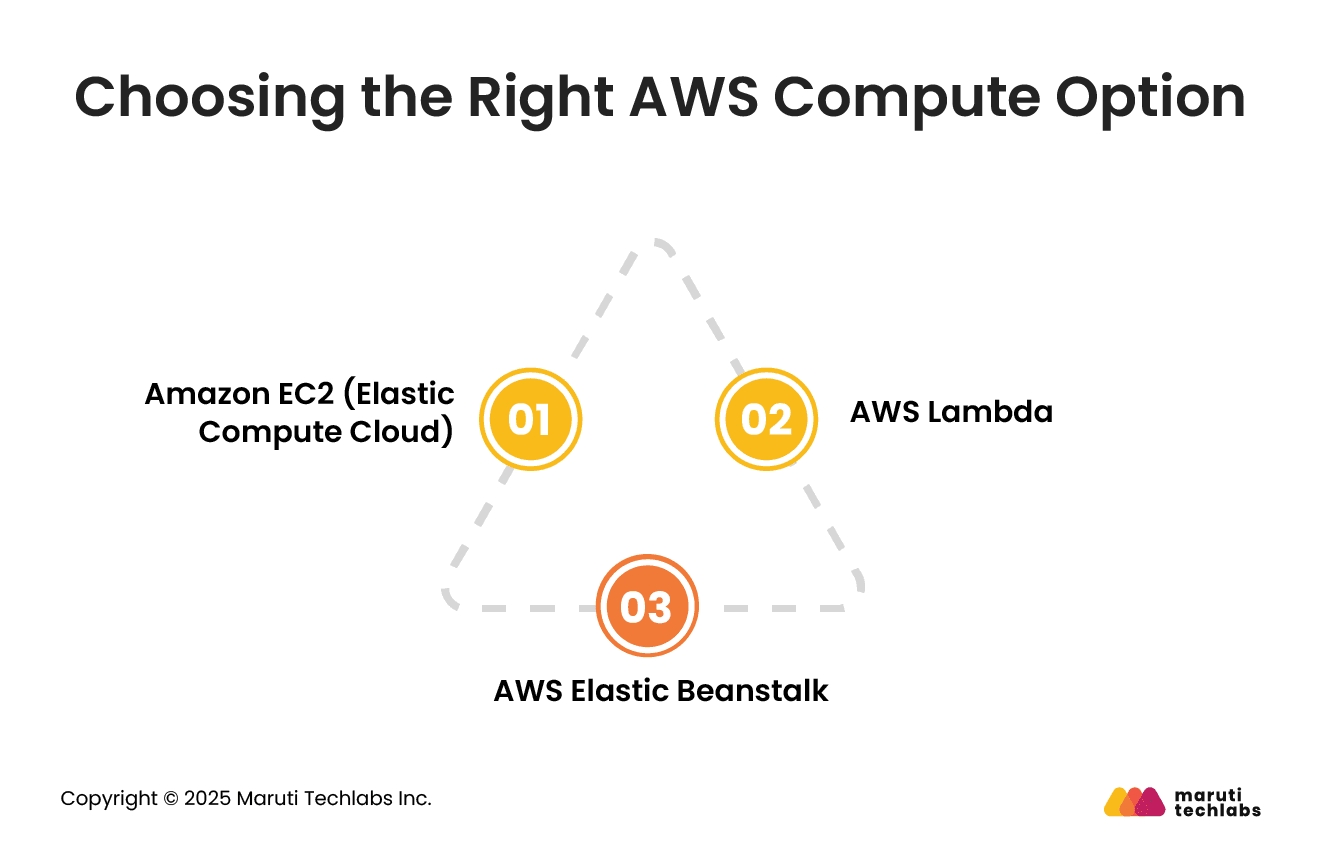
AWS provides different ways to run your applications, depending on how much control, flexibility, and automation you need.
Amazon EC2 gives you complete control over virtual servers in the cloud. It is often used for core services such as product catalogs, checkout flows, and payment processing, where consistent performance matters.
With auto scaling, EC2 instances can expand during high-traffic periods and scale back once demand stabilizes. This makes EC2 a strong fit for workloads that must remain available and responsive, even during peak shopping hours.
AWS Lambda runs code only when something happens, such as a customer placing an order or searching for a product. There are no servers to manage and no idle capacity to pay for.
This makes Lambda ideal for event-driven tasks like updating inventory, validating orders, or handling search requests. Since you pay only when the code runs, Lambda helps keep costs low during quieter periods while scaling instantly during traffic spikes.
AWS Elastic Beanstalk makes it easier to run web applications on the cloud. It handles scaling, traffic, and basic monitoring in the background. This is helpful for teams that want to launch or update applications quickly without spending time managing servers.
Each of these compute options serves a different purpose. Selecting the right one based on traffic patterns and workload type helps control costs while keeping the shopping experience smooth.
Optimizing Compute Costs for High-Traffic Scenarios
When traffic increases, application servers are not the only components under pressure. Databases handle every product view, cart update, and order placement.
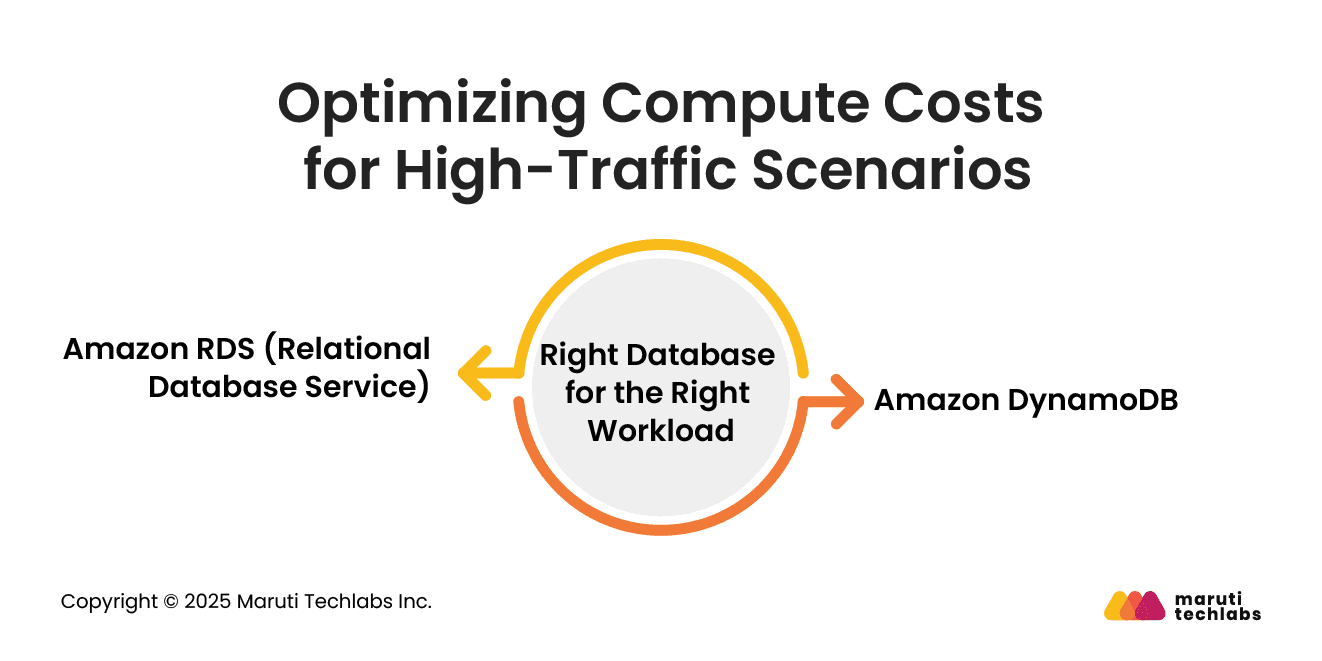
Choosing the right database services is just as important as selecting the right compute services for maintaining performance during peak traffic.
Amazon RDS is used when data is well-organized and follows a clear structure. It meets everyday needs such as customer details, orders, invoices, and other basic store data. AWS handles routine tasks such as backups and updates, so teams do not need to manage them themselves.
RDS is typically used for critical systems that must remain reliable at all times. It works well when traffic is stable, but costs can go up if usage suddenly increases. That is why it is better suited for workloads with more predictable traffic.
Amazon DynamoDB is designed to handle very high traffic and sudden spikes. It does not rely on fixed tables or relationships. Instead, it stores data in a way that allows speedy reads and writes, even when traffic increases suddenly.
DynamoDB is commonly used for shopping carts, user sessions, preferences, and mobile app data. It can handle large volumes of requests without slowing down. Since it scales automatically, you do not need to plan capacity in advance, which helps control costs during peak events.
Using DynamoDB for high-traffic areas and RDS for structured business data helps balance performance and cost. This mix is often key to handling heavy traffic without overspending.
Monitoring and Managing Your Cloud Environment
Running an online store on the cloud means staying alert. Traffic can spike quickly, and even small problems can affect sales.
Teams need simple tools to watch performance, security, and resources so issues can be fixed before customers notice.
CloudWatch shows how your site and apps are performing. It tracks server usage, page speed, and errors. If something slows down or goes wrong, it can send alerts. This helps teams fix problems quickly and keep the site running smoothly.
CloudTrail keeps a record of all changes in your AWS account. It shows who made the change and when it was made. This is useful for security and accountability. Teams can also check unusual activity and create reports for audits or compliance.
CloudFormation makes it easier to set up and manage cloud resources. Instead of building everything manually each time, teams can use templates to create resources consistently. This saves time, reduces mistakes, and keeps updates consistent across the system.
Using these tools together helps teams keep the cloud stable, secure, and easy to manage. Even during busy hours, your eCommerce platform can run smoothly and reliably for customers.
5 Factors to Consider Before Choosing AWS for Your eCommerce Platform
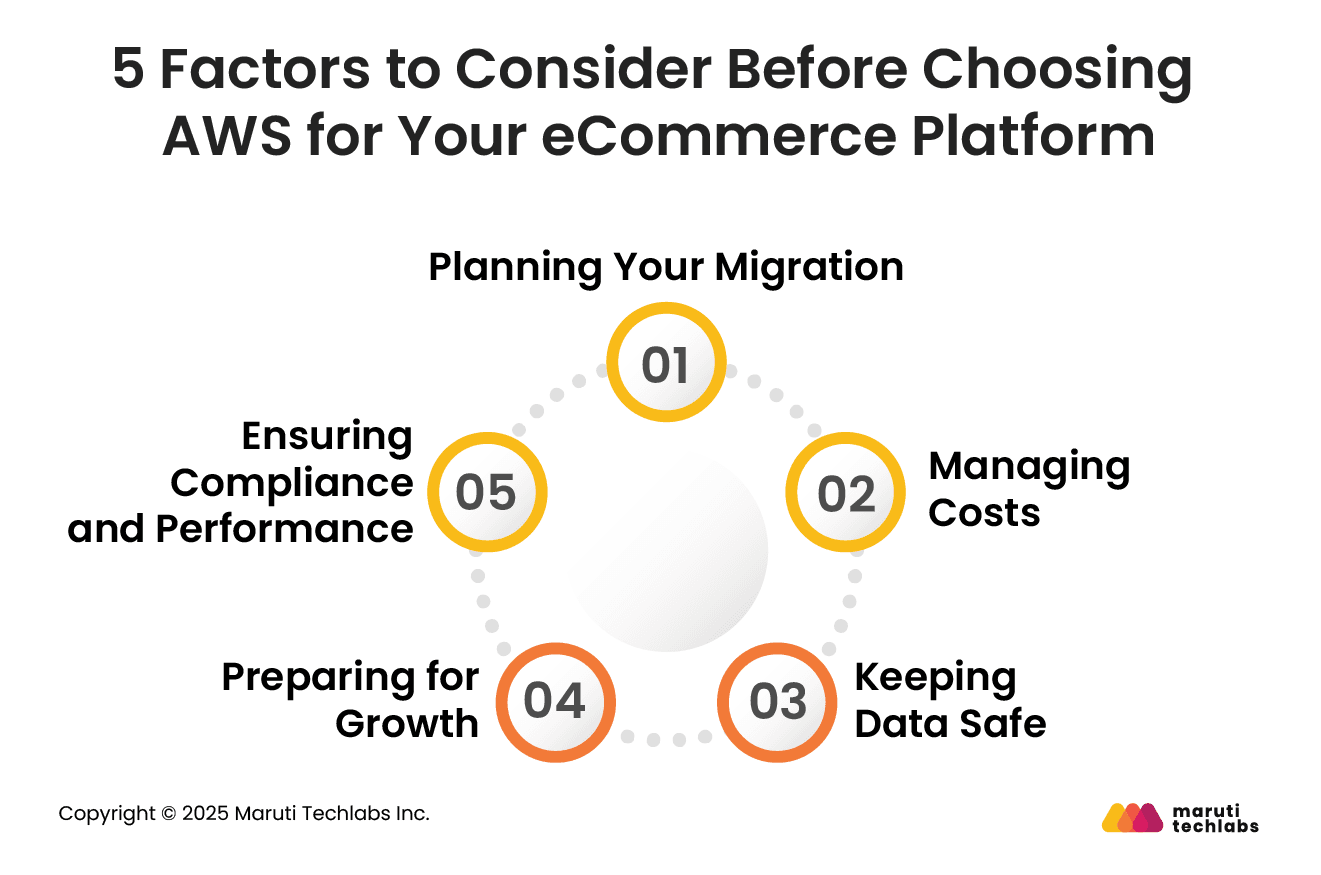
AWS is a strong choice for online stores because it is fast, secure, and can grow as your business grows. However, there are a few crucial points to consider before migrating your platform to AWS.
1. Planning Your Migration
If you already have a website or application, consider how you will migrate data and systems to the cloud. Older applications may need to be updated or modernized to run efficiently on AWS.
2. Managing Costs
Cloud costs can rise quickly if usage isn’t monitored. Make sure your system’s needs match your budget. Setting limits and monitoring usage help avoid unexpected bills.
3. Keeping Data Safe
AWS offers many security tools, but protecting customer information is still your responsibility. Use access controls, encryption, and monitoring to ensure sensitive data stays secure.
4. Preparing for Growth
As your site attracts more visitors, your systems need to handle higher traffic. Plan for scaling from the start, and use centralized logs, analytics, and tools such as AI or machine learning to manage larger workloads.
5. Ensuring Compliance and Performance
Make sure your setup complies with all industry regulations and compliance requirements. Regularly check performance to ensure pages load fast and systems respond quickly, even during peak shopping times.
By keeping these points in mind: migration, cost, security, scaling, and compliance, businesses can make the most of AWS and run a smooth, reliable, and secure eCommerce platform.
Conclusion
Running an online store on AWS makes it easier to handle busy days, keep your site fast, and protect customer data. The trick is to use the right tools, monitor performance, and plan for growth. Services like EC2, Lambda, CloudWatch, and CloudTrail help keep things running smoothly and fix problems quickly before customers notice.
AI and machine learning are helping stores understand what customers want, answer questions quickly, and make shopping feel more personal. AWS also supports new technologies such as IoT and blockchain, which can make inventory and supply chains easier to manage.
Maruti Techlabs, as an AWS Advanced Tier Partner, helps retailers get set up and stay running efficiently. We focus on keeping costs in check, making systems reliable, and securing your data. Check out our AWS services or contact us to see how we can help your eCommerce store grow and run smoothly.
FAQs
1. What is AWS Compute Optimizer?
AWS Compute Optimizer analyzes how your workloads perform and recommends the right instance types and sizes. This helps reduce unnecessary costs while maintaining reliable performance for your eCommerce website.
2. How can e-commerce companies reduce AWS cloud costs?
eCommerce companies can lower AWS costs by choosing the right compute and storage options, using serverless or auto-scaling services, and monitoring usage with tools like CloudWatch. Regularly reviewing spending, setting limits, and turning off unused resources also helps avoid unnecessary charges.
3. Which AWS compute option is best for high-traffic e-commerce websites?
For high-traffic websites, Amazon EC2 is ideal for predictable workloads, while AWS Lambda works well for tasks that happen only sometimes. A combination of EC2, Lambda, and Elastic Beanstalk allows stores to handle traffic spikes efficiently and control costs at the same time.
4. How to calculate AWS costs for an e-commerce website?
AWS costs depend on the services you use, how long they run, and the amount of traffic. You can estimate costs using the AWS Pricing Calculator, which considers compute, storage, and other services. Monitoring actual usage with CloudWatch helps fine-tune spending over time.
Lalit Bhatt works across cloud infrastructure, DevOps, and project delivery, bringing 18+ years of experience across cloud migration, AWS architecture, infrastructure improvements, and team mentoring, depending on what clients need.
Stuck with a Tech Hurdle?
We fix, build, and optimize. The first consultation is on us!